

Searching online for quick software activations often leads straight into digital trapdoors. Many users hunting for a Windows 10 Pro key free code end up downloading sketchy files that promise instant access without payment. These shady tools usually hide malicious background scripts behind clean graphical interfaces. System security breaks down fast when unauthorized files run with administrator privileges. Recognizing red flags like disabled security prompts or missing digital signatures protects your personal files from remote hijackers. Legitimate activation channels cost money for a reason, as genuine licenses include active developer updates, real technical support, and critical security patches that keep hardware running smoothly over long periods.
Recognizing Suspicious Download Websites
Unsafe websites lure users with bright download buttons and fake countdown timers designed to rush decisions. These pages often feature forged customer reviews and stolen logo graphics to build false trust quickly. Domain names that misspell popular brands usually host dangerous payload files instead of actual software updates. Clicking secondary links frequently triggers hidden pop-ups that push unwanted browser extensions or adware onto your hard drive. Checking browser address bars for proper security certificates helps filter out shady distribution hubs. Safe browsing habits start with avoiding sketchy forums and untrusted third-party file vaults entirely.
Unmasking Dangerous Key Generator Files
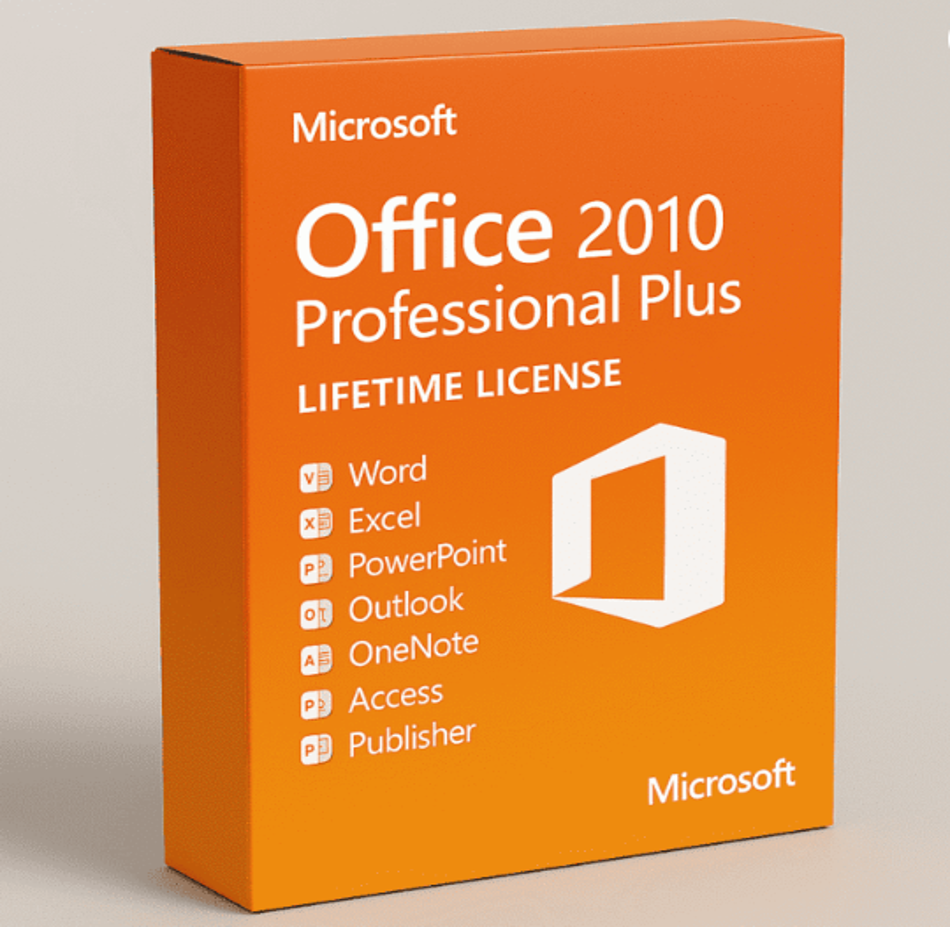
Key generators claim to generate valid activation codes by exploiting secret internal math algorithms. Downloading an Office 2010 Professional Plus key generator executable file usually delivers stealthy spyware directly to your system drive. Antivirus tools flag these executable files immediately because they bundle Trojans alongside crack scripts. Attackers name files cleverly to trick users into turning off real-time system shields manually during setup. Once active, these background processes harvest browser passwords, credit card records, and personal files without showing any visible window. Trusting unverified key generation utilities places your digital identity at extreme risk.
Hidden Malware Risks in Cracks
Executable crack files modify system registry keys and core dynamic link libraries to bypass licensing checks. Altering core operating system files leaves permanent security holes that standard system utilities cannot fix easily. Remote access trojans hide quietly inside corrupted system files, waiting for instructions from malicious command servers. System performance drops quickly as rogue background tasks hog processor cycles and system memory continuously. Ransomware threats often deploy through corrupted crack tools, locking user files behind unbreakable encryption algorithms instantly. Staying safe requires keeping original system files untouched by unverified third-party patch files.
Risks of Disabling Antivirus Protection
Shady software guides often tell users to turn off security programs before running setup files. Turning off antivirus protection removes your last line of defense against zero-day threats and hidden payload scripts. Attackers use this trick because raw malware payloads get blocked immediately by modern security software. Leaving system guards active exposes bad files before they modify critical registry paths or system boot files. Genuine software setup wizards never request users to turn off real-time virus scanning during basic installation routines. Maintaining active system security prevents destructive background infections from taking hold.
Legal and Operational Stability Issues
Using cracked software introduces constant stability risks alongside serious legal violations for users. Unauthorized activation codes break without warning whenever Microsoft issues routine monthly system updates. Sudden activation drops lock key software features, interrupting daily work routines and rendering critical files temporarily inaccessible. Commercial organizations risk heavy financial fines and legal action when auditing tools detect unlicensed software instances across network computers. System updates often fail to install on tampered operating systems, leaving computers vulnerable to known exploit scripts. Investing in legitimate licenses ensures consistent software stability and long-term digital security.
Protecting Your Computer Infrastructure
Keeping your digital workspace secure requires installing verified software from official vendor sources. Removing untrusted activator tools and running full system antivirus scans restores basic operating safety. Setting up automatic system update routines keeps software builds patched against emerging remote network vulnerabilities. Backing up essential documents to isolated offline drives guards’ valuable personal data against unexpected system failures or ransomware attacks. Educating yourself on common cyber threats prevents future encounters with unsafe download links. Following strict software verification steps keeps your hardware running fast without risking stored sensitive information.
Conclusion
Avoiding fake software tools requires remaining alert against suspiciously free activation offers and unverified file sources online. Malicious key generators and crack scripts compromise system security, exposing sensitive personal files to dangerous cyber threats while ruining software stability over time. Choosing verified software guarantees continuous developer updates, legal compliance, and total peace of mind for daily computing tasks. Choosing official licenses remains the safest path for personal and professional systems. For reliable licensing solutions and authentic digital software keys, exploring key-softs.com offers a direct path toward maintaining a fully protected digital ecosystem.
