

ID cards play an important role in security, access control, workplace organisation, and professional presentation. They help identify employees, students, contractors, visitors, volunteers, and members quickly and consistently. For many organisations, relying on external suppliers for every new card or replacement card can be slow and inconvenient. By using professional id card printers, organisations can produce identification cards in-house and manage the process with greater speed, control, and flexibility.
In-house ID card production is useful for businesses, schools, universities, healthcare facilities, warehouses, clubs, government offices, events, and security environments. These organisations often need cards at short notice, whether for new starters, temporary access, lost card replacement, or updated roles. A reliable in-house system gives the organisation the ability to issue credentials exactly when they are needed.
The Value of Producing ID Cards In-House
The biggest benefit of in-house ID production is immediacy. When a new employee arrives, a visitor needs a temporary pass, or a student requires a replacement card, your team can print the card on site. This avoids delays and keeps your identification system running smoothly.
In-house printing also gives your organisation better control over data and design. Instead of sending personal information, photos, and access details to an external provider, you can manage them internally. This can be useful when privacy, accuracy, and quick updates are important.
Understanding Your Identification Requirements
Before choosing equipment, it is important to understand what your ID cards need to do. Some cards are used only for visual identification, while others also support access control, time attendance, library systems, meal plans, membership validation, or secure area entry. The more functions your cards need, the more carefully you must choose your printer and related equipment.
Consider the following requirements:
-
Number of cards printed per week or month
-
Single-sided or double-sided card design
-
Photo quality and text readability
-
Barcodes, QR codes, or serial numbers
-
Magnetic stripe, chip, or contactless encoding
-
Card durability and expected daily use
-
Security features such as overlays or holograms
-
Software for templates, records, and photo capture
A clear understanding of these points helps you avoid buying a machine that is too limited or too advanced for your needs.
Matching Printer Capabilities to Card Use
Choosing the right id card printers machine means matching the equipment to your organisation’s card requirements. A small office may only need a basic photo ID printer, while a large workplace may need double-sided printing, batch production, and encoding. A school may need student cards with barcodes, while a secure facility may need access cards with contactless technology.
The printer should fit the real-world workflow. If cards are printed daily, speed and reliability matter. If cards include detailed photos or small text, print quality matters. If cards are used for secure entry, encoding compatibility matters. Selecting the right machine from the start reduces frustration and supports long-term efficiency.
Professional Appearance and Trust
ID cards are often checked by reception teams, security staff, customers, colleagues, and visitors. A professional card helps people quickly confirm identity and role. Clear photos, readable names, visible job titles, and consistent branding all support trust and security.
Poorly printed cards can create problems. If a photo is blurry, a barcode is unreadable, or the card design is inconsistent, the card may not perform its function properly. Professional print quality helps make your identification system look credible and dependable.
Card Durability and Daily Use
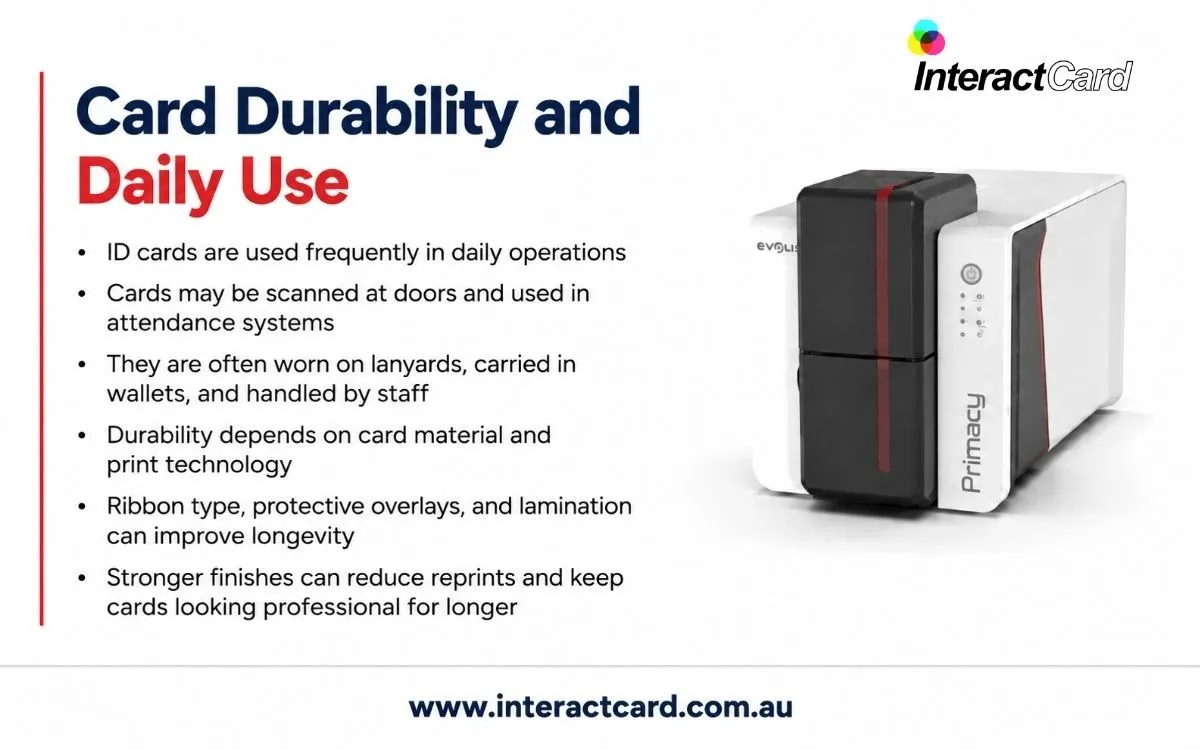
Most ID cards are used frequently. They are scanned at doors, worn on lanyards, placed in wallets, handled by security staff, or used in attendance systems. For this reason, durability should be a key consideration.
Durability can depend on the card material, print technology, ribbon type, and whether protective overlays or lamination are used. Organisations that issue cards for long-term daily use may benefit from stronger finishes. This can reduce the number of reprints and keep cards looking professional for longer.
Security Features for ID Cards
Security needs vary by organisation. Some ID cards only need a name and photo, while others must help prevent duplication or unauthorised access. Depending on your environment, security features may include encoded data, barcodes, QR codes, holographic overlays, UV printing, custom designs, or card expiry dates.
For workplaces, access cards may need to integrate with doors, gates, lifts, or time attendance systems. For schools, ID cards may support library borrowing, attendance tracking, or cashless payment systems. For events, badges may identify access levels such as staff, media, contractors, or VIPs. Matching card security to actual risk is essential.
Software and Photo Capture
An effective ID card system requires more than hardware. Software helps staff create card templates, add photos, enter details, manage records, and send jobs to the printer. A good software setup reduces mistakes and keeps card design consistent.
Photo capture is also important. ID cards are more effective when photos are clear and consistent. Organisations may use a dedicated camera, webcam, or imported image files. Whatever method is used, the workflow should be simple enough for staff to operate confidently.
Consumables and Cost Planning
Card printing requires ongoing consumables such as blank cards, colour ribbons, monochrome ribbons, cleaning kits, overlays, or laminates. These should be included when calculating the cost of ownership. A low purchase price may not offer the best value if consumables are expensive or difficult to access.
Cost planning should also include staff time, maintenance, and the possibility of wasted cards from errors. A reliable system with suitable software and support can reduce waste and improve productivity. Over time, this makes in-house production more practical and cost-effective.
Why Supplier Support Matters
A dependable supplier helps you choose equipment, understand consumables, set up software, troubleshoot issues, and maintain print quality. This support is especially valuable when ID cards are connected to security or access systems. Buying the machine is only the first step; keeping the system working reliably is what creates long-term value.
Good support also helps when your organisation grows. You may begin with simple visual ID cards but later need double-sided printing, encoding, or more secure card designs. A knowledgeable supplier can guide upgrades and ensure your system continues to meet your needs.
Creating a Better Identification Workflow
In-house ID card printing improves the full identification workflow. Instead of waiting days for a card order, staff can capture details, print the card, and issue it immediately. This is useful for onboarding, visitor management, replacement cards, event preparation, and access control updates.
The right identity card printer helps your organisation produce cards that are professional, practical, and suited to daily use. When combined with good software, quality consumables, and proper support, it becomes a reliable part of your security and administration process.
Final Thoughts
ID cards are more than plastic credentials. They support safety, identity, access, and professionalism across an organisation. By choosing a printer that matches your card volume, design needs, security requirements, and workflow, you can build an in-house system that saves time and improves control. With the right planning, ID card printing becomes a smooth, dependable process that supports both everyday operations and long-term security goals.
